Read your way
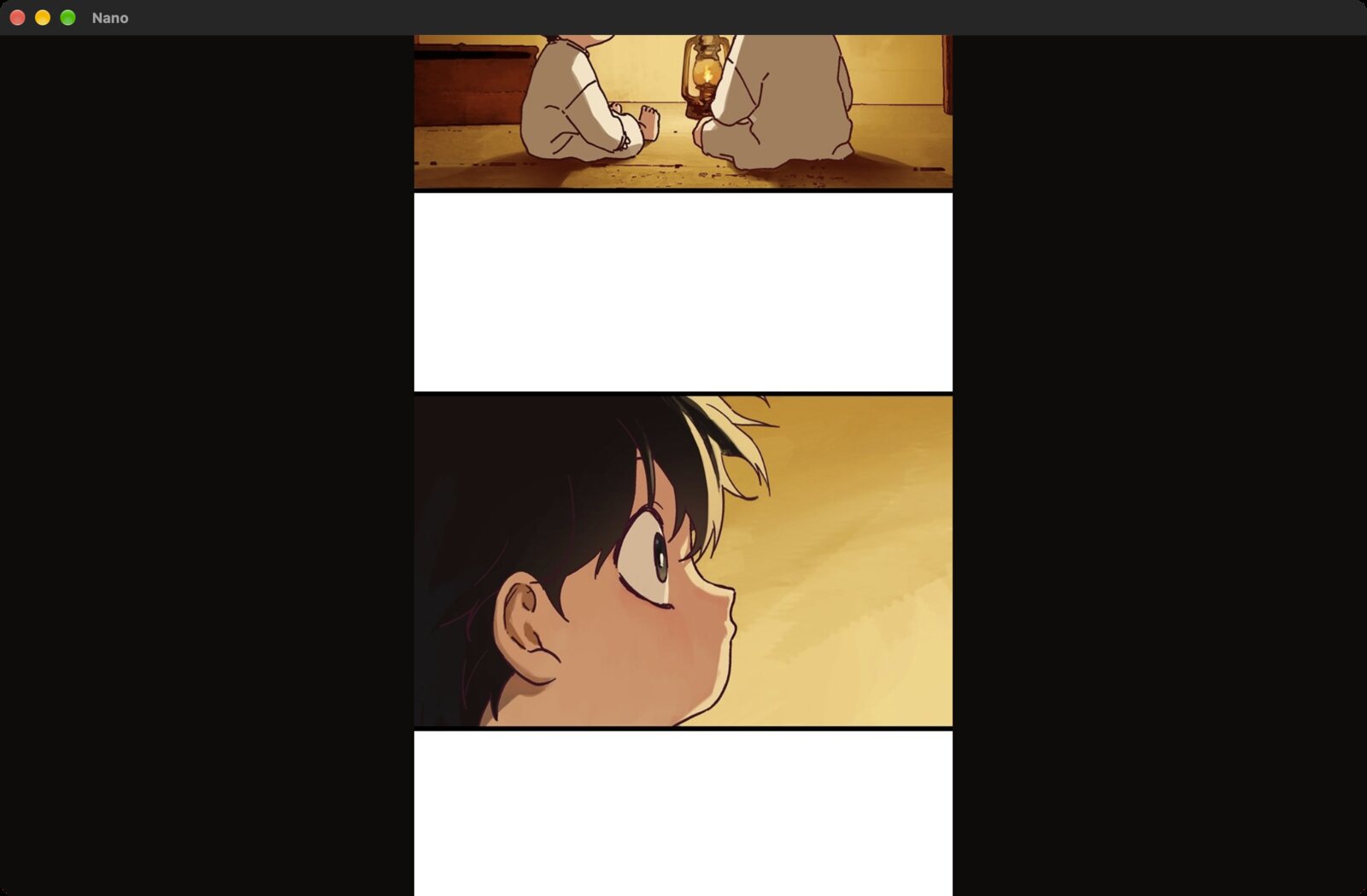
Left to right, right to left for manga, or a vertical strip for webtoons. Press V in the reader to switch, and scrub through pages with a dot for each.
Nano is a manga reader that runs the same extensions as Mihon and Tachiyomi, so the sources on your phone work on your computer too.
Also for macOS, Windows and Linux
An extension is a small add-on that teaches a reader how to browse one site. Mihon and Tachiyomi use them on phones, and Nano runs the same ones on your computer. Nano ships no sources and hosts no content: you choose what to add.
Paste the address of an extension repo, the same one you'd give Mihon.
Pick extensions from that repo. Nano only runs ones signed with the key it remembered for the repo.
Browse a source with every filter it offers, open a series beside the grid, and start reading.
Left to right, right to left for manga, or a vertical strip for webtoons. Press V in the reader to switch, and scrub through pages with a dot for each.
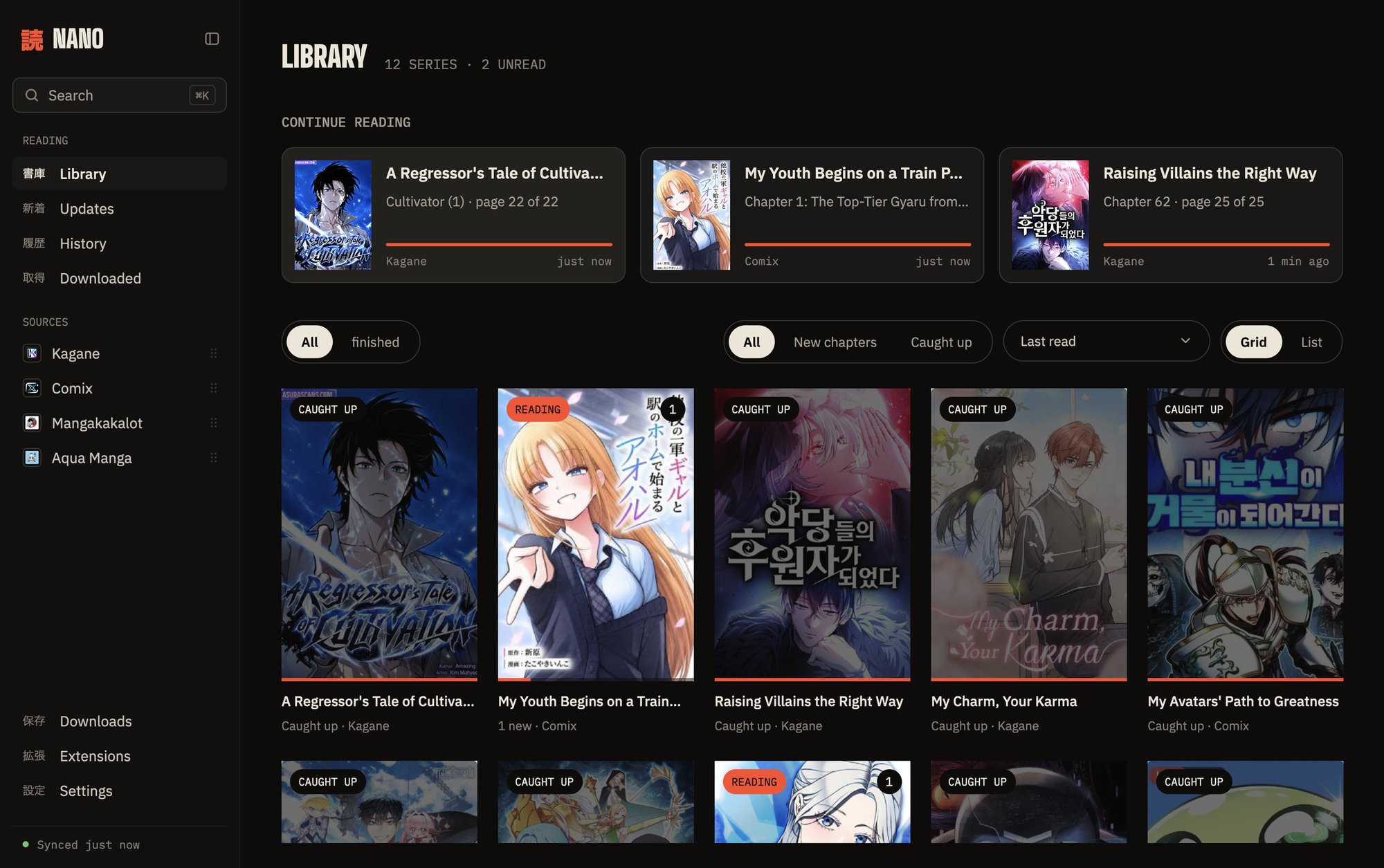
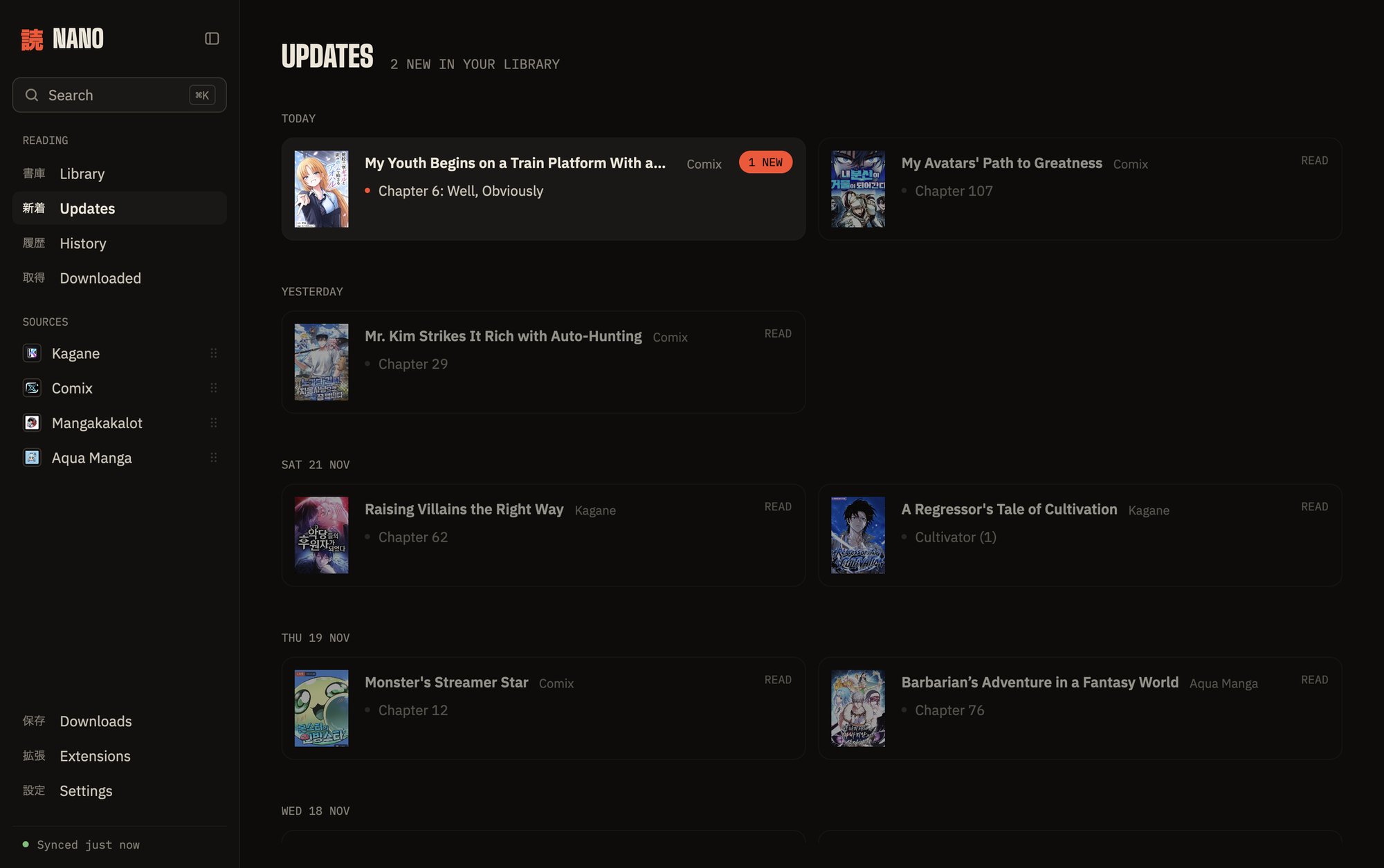
Unread counts on every cover, a Continue reading shelf, and an Updates page that groups new chapters from across your library by day.
Add any Mihon extension repo. Nano remembers each repo's signing key and only runs jars signed with it, and every extension can be installed, updated or removed from one screen.

Choose how chapters open, go fullscreen when one starts, pick your own fonts from Google Fonts, and sort the library into shelves.

Download chapters in Mihon's folder layout, so the files mean the same thing in both apps.
Checks are passed in a built-in web engine, with a window to click only when a site insists. Already run FlareSolverr or Byparr? Add it in Settings.
SyncYomi sync with Mihon forks, Mihon .tachibk backups in and out, and MyAnimeList and
AniList tracking.
Free and open source. Older builds and release notes are on the releases page.
Open the disk image and drag Nano to Applications. The app isn't signed yet, so the first time, right-click it and choose Open, or run:
xattr -cr /Applications/Nano.app
Unzip it and run nano-reader.exe. Cloudflare checks use WebView2, which Windows 11 already
has.
Install the Flatpak with flatpak install nano-linux-x64.flatpak. Plain extensions work; the
calls that need a hidden web view aren't wired up on Linux yet.
.tachibk backup, or sync with SyncYomi against Mihon forks like
TachiyomiSY and Komikku. Importing only adds to what's already in Nano.